
Running an online store in 2026 is simultaneously easier and more competitive than it's ever been. Easier because the tools available to independent store owners are genuinely world-class. More competitive because everyone has access to those same tools, and customers have developed expectations calibrated against the best shopping experiences on the internet.
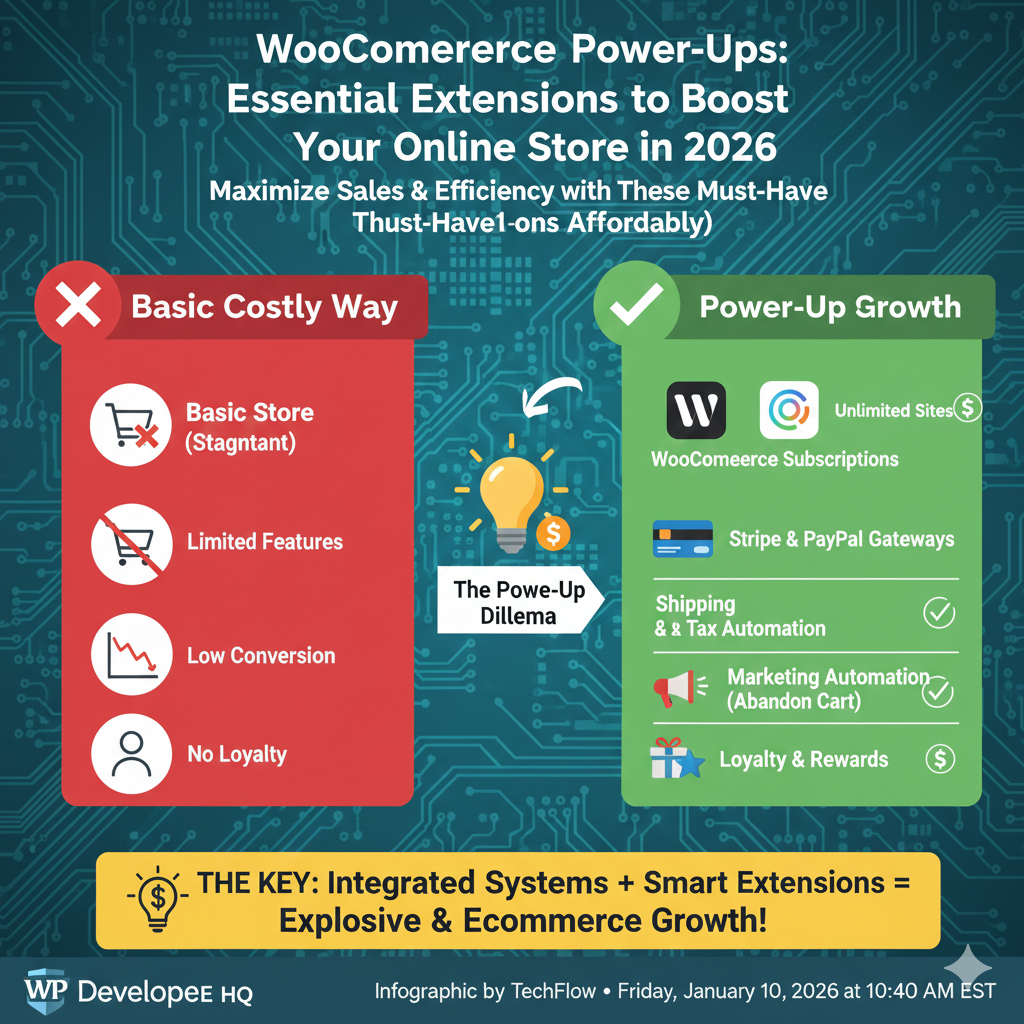
WooCommerce remains the dominant e-commerce platform for WordPress, powering over 6 million active stores globally. Its strength has always been its extensibility — a core system that handles the fundamentals, with a vast ecosystem of extensions that let you build exactly the functionality your store needs without paying for features you don't.
But that extensibility is also a trap. Install too many poorly-chosen extensions and you end up with a bloated, slow store that confuses customers and bleeds conversion rates. The right extensions, thoughtfully chosen and correctly configured, are transformative. The wrong ones are expensive technical debt.
This guide cuts through the noise. These are the WooCommerce extensions that genuinely move the needle in 2026 — organized by what they actually do for your business.
Why Extensions Matter More Than Ever in 2026
The baseline expectations for online stores have shifted dramatically in the last few years. Customers expect one-page checkout. They expect personalized product recommendations. They expect real-time shipping estimates before they reach the checkout page. They expect seamless returns. They expect to recover their abandoned cart with a coupon that appears exactly when they were about to give up.
Meeting these expectations with WooCommerce core alone is impossible. WooCommerce ships with solid fundamentals — product management, basic checkout, order management — but it deliberately leaves advanced functionality to extensions. This is by design, and it's one of the platform's genuine strengths.
The extension market has also matured significantly. The best extensions in 2026 are built with performance in mind, loading only on pages where they're relevant, integrating cleanly with caching systems, and offering genuine compatibility with Full Site Editing themes. The era of extensions that broke your store with every WordPress update is fading — slowly, but meaningfully.
Checkout Optimization: Where Revenue Gets Won or Lost
The checkout page is the single highest-leverage page in any online store. Every friction point, every moment of doubt, every extra field you ask customers to fill out costs you conversions. The extensions in this category exist to solve that problem.
WooCommerce Checkout Field Editor
The default WooCommerce checkout asks for a standard set of fields regardless of what you're actually selling. If you're selling digital products, why are you asking for a shipping address? If you're running a B2B store, you need a company name and VAT number. If you're selling personalized items, you need custom input fields.
Checkout Field Editor lets you add, remove, reorder, and customize every field in the checkout form. The impact on completion rates for stores with specific requirements is immediate and measurable.
One-Page Checkout
Multi-step checkouts made sense when internet connections were slow and browsers were unreliable. In 2026, they're friction without purpose for most store types. One-Page Checkout consolidates the entire purchase process — cart review, customer details, payment — into a single scrollable page.
For stores with simple product lines and a high-intent customer base (people who arrived via specific product searches, for instance), reducing the checkout to a single page consistently improves conversion rates. Split test it against your current checkout before committing — results vary by store type — but the benchmark data across WooCommerce stores is strongly positive.
CartFlows
CartFlows goes further than simple checkout optimization — it's a full funnel builder for WooCommerce. It lets you create custom checkout pages, order bumps (one-click add-ons that appear at checkout), one-click upsells after purchase, and thank-you pages designed to maximize average order value.
The order bump feature alone typically pays for CartFlows many times over for stores where complementary products exist. A customer buying a camera doesn't need to re-enter payment details to add an SD card to their order — one click, done. Average order value increases without any additional customer acquisition cost.
Abandoned Cart Recovery: Recovering Revenue You've Already Earned
Between 70–80% of shopping carts are abandoned before purchase. These are customers who showed genuine purchase intent, added products to their cart, and then left. For most stores, this represents more potential revenue than what actually converts.
Abandoned Cart Pro for WooCommerce
This extension captures cart contents before checkout is completed and sends automated email sequences to bring customers back. The best implementations send a plain, personal-feeling reminder within an hour of abandonment, followed by a value-added email 24 hours later, followed by a discount offer 72 hours after that.
The sequence matters as much as the tool. A single abandoned cart email is good. A well-crafted three-email sequence can recover 15–20% of abandoned carts — revenue that otherwise disappears permanently.
Look for an extension that lets you customize the full email sequence, segment by cart value (high-value carts deserve different treatment than low-value ones), and track recovery attribution accurately.
YITH WooCommerce Recover Abandoned Cart
YITH's version adds useful features beyond basic email recovery — including popup reminders for logged-in users who show exit intent, and SMS recovery options for customers who've provided phone numbers. For stores with a significant mobile customer base, the SMS recovery channel typically outperforms email recovery significantly.
Product Page Optimization: Converting Browsers into Buyers
The checkout gets most of the optimization attention, but product pages are where buying decisions actually form. Customers decide here — or they don't. Extensions that improve product page quality and interactivity directly affect your conversion funnel's most important stage.
WooCommerce Product Add-Ons
For any store selling customizable or personalized products — engraved jewelry, custom apparel, made-to-order items, gift products — Product Add-Ons is essential. It lets you add custom input fields, dropdowns, checkboxes, file upload options, and conditional pricing to any product page.
The difference in conversion between "Contact us for custom orders" and an in-page customization interface that lets customers configure their product and see a price update in real-time is enormous. Customers want certainty. Product Add-Ons delivers it.
YITH WooCommerce Wishlist
Wishlists serve two purposes that are both commercially valuable. First, they give customers a way to save products they're interested in but not ready to buy — which dramatically reduces the likelihood they'll leave and forget your store entirely. Second, they create social sharing opportunities: customers share wishlists with family before birthdays and holidays, which is essentially free word-of-mouth acquisition.
Stores that add wishlist functionality consistently see improvements in both return visit rates and referral traffic from wishlist sharing.
WooCommerce Variation Swatches
If you sell products with color, size, or style variations and you're still showing them as plain HTML dropdowns, you're losing conversions to a completely fixable problem. Variation Swatches replaces those dropdowns with visual swatches — color circles, image thumbnails, styled text buttons.
The visual representation does two things: it shows customers exactly what they're getting, and it makes the selection process feel like a premium experience. The visual difference between a dropdown that says "Red, Blue, Green" and an actual row of color swatches is significant enough that most stores see measurable conversion improvement after switching.
Subscriptions and Recurring Revenue: Building Predictable Income
One-time sales are the default WooCommerce model, but subscription revenue is fundamentally different — and better — for most businesses. Recurring revenue is predictable, which makes planning possible. It creates higher customer lifetime value. It reduces acquisition cost per dollar of revenue because you're not starting from zero every month.
WooCommerce Subscriptions
The official WooCommerce Subscriptions extension handles the full complexity of recurring billing — weekly, monthly, and annual billing cycles, free trial periods, subscription pausing, prorated upgrades and downgrades, and automatic renewal management.
For stores that sell anything with natural replenishment cycles (supplements, coffee, skincare, pet food), anything consumable, or any digital product delivered on an ongoing basis, adding subscription options alongside or instead of one-time purchase options typically increases average customer lifetime value substantially.
SUMO Subscriptions
SUMO is a popular alternative to the official WooCommerce Subscriptions extension, offering many of the same capabilities at a lower cost point. It's worth evaluating both options — the right choice depends on the specific subscription model your store needs and the payment gateways you're using.
Inventory and Fulfillment: The Operations Layer
Front-end optimization drives sales. Back-end operations determine whether you can actually fulfill those sales profitably. Extensions in this category don't usually affect conversion rates directly, but they have enormous impact on the operational efficiency and profitability of growing stores.
ATUM Inventory Management for WooCommerce
WooCommerce's native inventory management is adequate for small stores and becomes increasingly insufficient as SKU counts grow. ATUM provides a proper inventory dashboard — multi-location stock tracking, purchase order management, stock alerts, inventory logs, and reporting that gives you an actual picture of your inventory position at any moment.
For stores managing physical products across multiple storage locations or dropshipping from multiple suppliers, ATUM's purchase order system alone can transform what was a chaotic spreadsheet process into something resembling a proper operations workflow.
WooCommerce Print Invoices and Packing Lists
This sounds like a small thing. It isn't. Manual invoice and packing list creation for orders is one of the most time-consuming operational tasks for stores that haven't automated it. This extension generates professional invoices and packing lists automatically from order data, with batch printing capability for high-volume fulfillment days.
For Meesho and Flipkart sellers who are also managing a direct WooCommerce channel — a combination that's increasingly common for established Indian marketplace sellers — having a unified, efficient label and packing list workflow is critical. Tools like Lebely handle the marketplace side of this equation; a proper WooCommerce print extension handles the direct store side.
ShipStation Integration
ShipStation connects WooCommerce to major shipping carriers and provides a unified fulfillment interface that dramatically reduces the time spent on shipping management. Rate comparison, label printing, tracking number updates back to WooCommerce, and returns management all happen from a single dashboard.
For stores shipping significant volume, the carrier rate discounts available through ShipStation often more than offset the platform's subscription cost.
SEO and Discoverability: Getting Found Before Getting Bought
You can optimize your checkout, perfect your product pages, and automate your fulfillment — and none of it matters if customers can't find your store. Extensions that improve your WooCommerce store's search visibility are foundational investments.
Rank Math Pro
Rank Math has become the leading SEO plugin for WordPress, and its WooCommerce integration specifically is excellent. It handles product schema markup (which generates rich results in Google — star ratings, price, availability — directly in search listings), product image optimization, breadcrumb SEO, and WooCommerce-specific sitemap generation.
Product schema markup deserves specific attention because its impact on click-through rates from search results is significant. When your product appears in search with star ratings and pricing visible, it consistently outperforms identical listings without that markup.
WooCommerce Product Feed Manager
Google Shopping drives enormous e-commerce traffic for product-focused searches. Product Feed Manager generates and maintains the product feeds required by Google Merchant Center, Facebook Catalog, and other shopping channels, keeping them synchronized with your WooCommerce inventory automatically.
For stores with more than 50 products, manually managing shopping channel feeds is impractical. An automated feed solution is the only realistic approach — and the traffic quality from Google Shopping is typically excellent for stores with competitive pricing.
Getting your products indexed properly and keeping Google's crawlers updated on new inventory is one side of the discoverability equation. The other side is making sure your store's technical SEO infrastructure is clean — which includes having accurate, up-to-date sitemaps that ensure search engines discover new products and category pages promptly. A dedicated XML sitemap tool can handle this outside of WordPress, particularly useful when managing large catalogs where WooCommerce's native sitemap generation can be slow to update.
Analytics and Customer Intelligence: Building on What You Know
Data transforms guesswork into decisions. The extensions in this category give WooCommerce store owners the customer and revenue intelligence that enterprise platforms provide as standard — at a fraction of the cost.
Metorik
Metorik is the analytics layer WooCommerce should have shipped with. It provides genuine revenue analytics — cohort analysis, customer lifetime value tracking, segment-based reporting, product performance breakdowns, and subscription analytics for stores using WooCommerce Subscriptions.
The cohort analysis feature alone changes how you think about customer acquisition. When you can see that customers acquired through a specific channel have 40% higher lifetime value than those from another channel, your marketing budget allocation decisions become dramatically easier.
WooCommerce Google Analytics Pro
The standard GA4 WooCommerce integration tracks basic e-commerce events. WooCommerce Google Analytics Pro tracks the full purchase journey — product impressions, add-to-cart events, checkout steps, payment method selections — sending enhanced e-commerce data to GA4 that lets you identify exactly where customers drop out of your funnel.
This data is what separates stores that optimize based on evidence from those that optimize based on instinct. The extension pays for itself quickly in better-informed conversion optimization decisions.
The Extension Stack Philosophy: Less Is More
The temptation when reading a guide like this is to install everything. Resist it.
Every extension adds database queries, PHP execution time, and often frontend JavaScript to your store. A store running 40 plugins will almost always be slower and more fragile than a store running 15 well-chosen ones. Performance is a conversion factor — Google's data consistently shows that every additional second of page load time reduces conversions, with the effect being particularly pronounced on mobile.
Build your extension stack deliberately. Start with the extensions that address your specific current bottlenecks. Measure the impact of each addition. Remove extensions that aren't demonstrably contributing to revenue or operational efficiency. Treat your plugin list as a garden — it needs regular pruning, not just planting.
The stores that win in 2026 aren't the ones with the most extensions. They're the ones where every extension is doing real work, where the customer experience is fast and frictionless, and where the operational back-end runs efficiently enough that the store can grow without the owner's time scaling proportionally.
WooCommerce gives you the platform. The right extensions give you the edge. The judgment to use them well — that part is yours.
https://youtu.be/w6hyGTWz2uY?si=x61vBuJOQJHr4Rim